
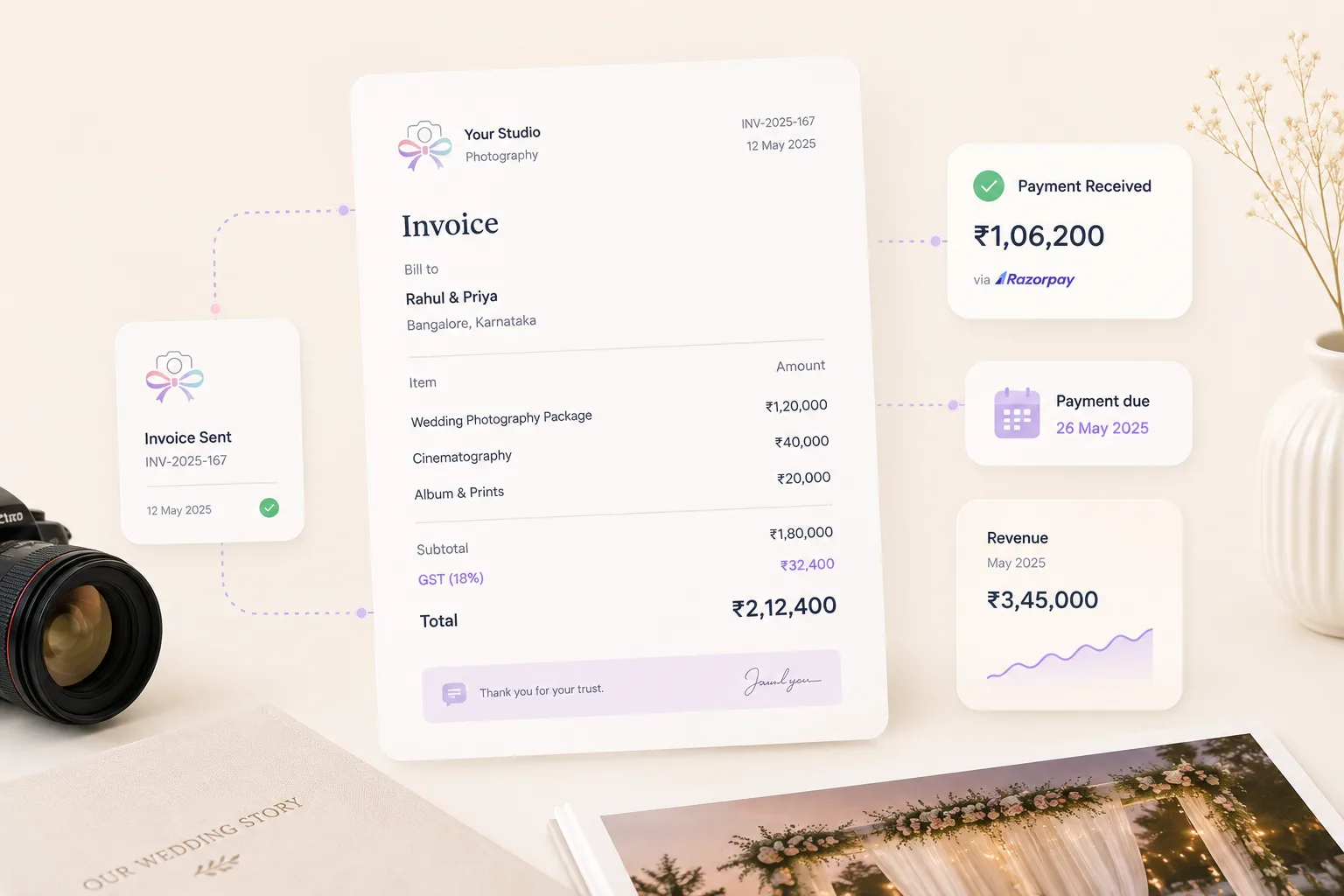
Good invoicing is more than sending a PDF
For photographers, invoicing sits right beside trust, clarity, and momentum. If the quote is confusing, if the payment link is hard to use, or if the reminder arrives too late, the sales process slows down even when the client is interested.
That is why the best invoicing software is not just about accounting mechanics. It is about making the financial side of the booking feel easy, clear, and on-brand.
Clients rarely separate payment experience from brand experience. A polished invoice tells them your business is organized. A messy payment flow suggests the opposite.
What to look for in invoicing software
The strongest tools make it easy to create branded documents, collect deposits, share payment links, send reminder nudges, and see what is outstanding without extra admin. They also make it obvious which step the client is currently in.
That visibility matters because the team needs to know whether a quote was sent, whether the deposit was viewed, whether the balance is due, and whether a reminder should go out today or tomorrow.
Look for practical speed as much as polish. If the process is technically capable but slow to operate, it will still create drag during busy periods.
- Fast quote creation
- Clear deposit and balance tracking
- Automated reminder support
- Payment link integration
- Visibility inside the client workflow
Why payment context matters inside a CRM
When invoicing sits outside the CRM, the team has to manually check whether a payment was sent, whether it was viewed, and whether a reminder should go out. That creates lag and makes payment follow-through depend on memory or manual note-taking.
When invoicing is connected to the client record, payment becomes part of the working conversation. The person handling the booking can see the status, the due dates, the reminder history, and the next action without asking someone else to verify it.
That saves time, but it also reduces awkwardness. The team is less likely to send the wrong reminder or miss the right one.
A better payment experience supports bookings
Studios often think of invoicing as back-office work, but clients experience it directly. Clean documents, polished reminders, and convenient payment options reinforce confidence in the brand they are about to trust with an important event.
A strong payment experience also reduces hesitation. If a couple can review the quote clearly, understand the deposit, and complete the payment quickly, there is less room for momentum to fade.
This is especially important when clients are evaluating multiple studios. Operational polish can become part of the reason they feel safe booking yours.
What a strong payment workflow looks like in practice
A reliable workflow usually moves through four visible steps: quote shared, deposit requested, balance tracked, and reminder sequence managed. Each step should have ownership, timing, and a clear place to see the current status.
The workflow becomes even stronger when payment triggers can prompt related actions, such as confirming the booking, notifying the team, or surfacing outstanding tasks before the shoot.
That is when invoicing stops being an isolated task and becomes part of the operating system that keeps the business moving.
How Knot Folio simplifies invoicing for photographers
Knot Folio keeps quotations, deposits, balance reminders, and payment status inside one workflow, which removes a lot of the awkward chasing that happens when invoicing lives in a separate tool.
For photographers, that makes payment feel like a normal part of the booking journey instead of a disconnected back-office task.